
Supplier information
If you supply customers who use Tellis®, you can find information here on everything from product catalogues and receiving orders to pricing and invoicing.
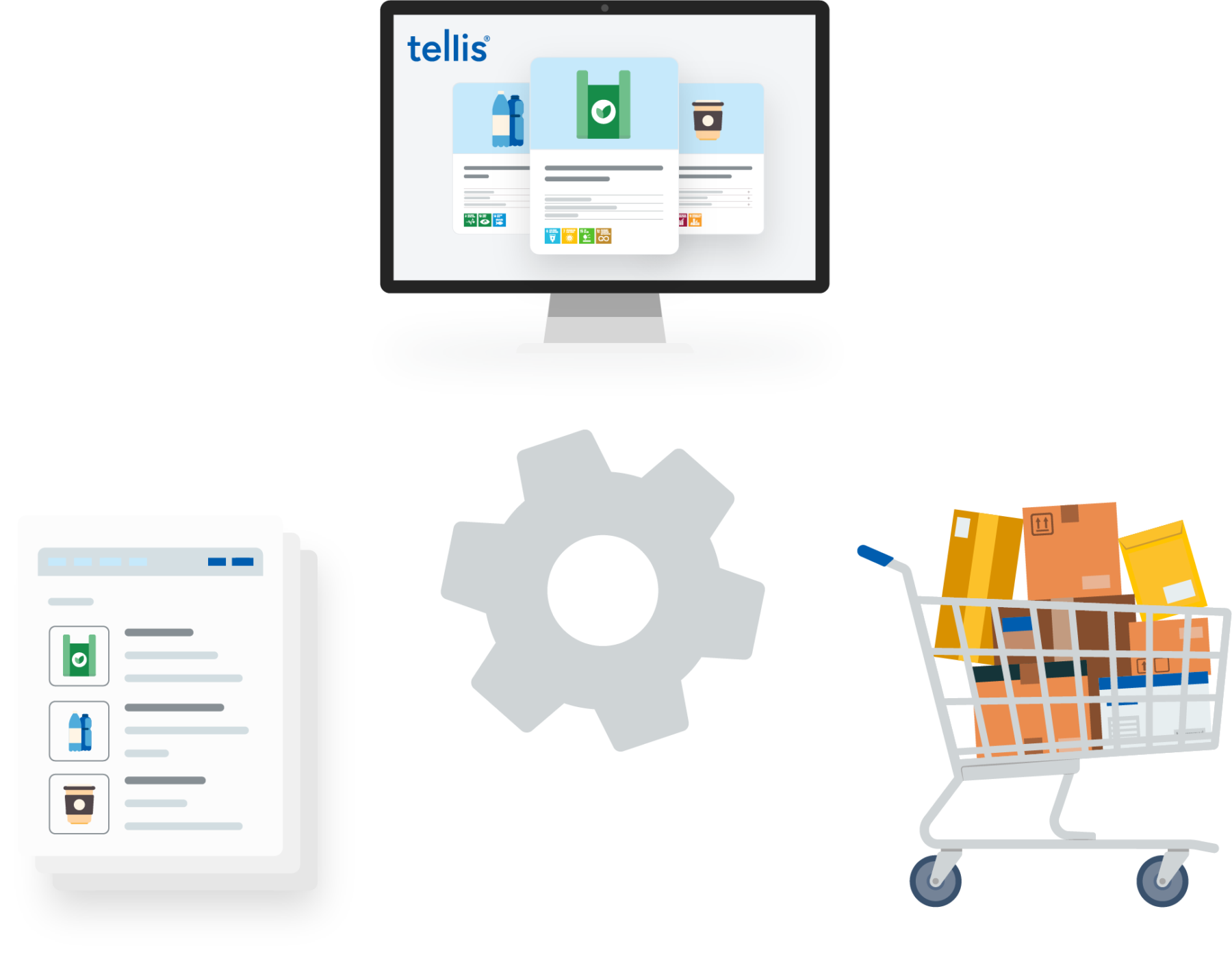
Getting started as a supplier
As a supplier to a customer who uses Tellis®, you have several ways to deliver your product catalogue. You can use Bizconnect, send an electronic catalogue through NemHandel or agree on a manual Excel catalogue with the customer.
You can also choose how you receive the customer’s orders, so your collaboration fits your workflows and the systems you already use. Agree on the specific solution with the customer.
Below you will find a practical guide to catalogues and receiving orders, along with pricing and invoicing information.

Send your product catalogue
Your product catalogue enables the customer to find and order your products in Tellis®. Agree with the customer which delivery method suits your collaboration. Below you will find the available options and the information you need.
| Delivery method | Format and procedure |
|---|---|
| Bizconnect | Upload OIOUBL, Bizconnect XML or Bizconnect master data and price files in XLSX format through the portal. OIOUBL and Bizconnect XML can also be sent through Bizconnect’s SFTP server. |
| NemHandel | Send an OIOUBL e-catalogue through NemHandel to the recipient details below. You do not need a Bizconnect account. |
| Manual Excel catalogue | Agree directly with the customer how the Excel catalogue will be delivered and handled. |
Catalogues through Bizconnect
To deliver catalogues through Bizconnect, email support@bizconnect.dk and provide:
- Your customer: Which Tellis® customer will you be supplying?
- Your catalogue: Which format and delivery channel would you like to use?
OIOUBL catalogues through NemHandel
Bizconnect receives OIOUBL e-catalogues through NemHandel on behalf of Intellis free of charge. Send them through your own NemHandel provider or a NemHandel endpoint you have set up yourself. You do not need to be a Bizconnect customer; free technical assistance with OIOUBL and NemHandel is therefore not included.
Use the following profile and choose either the CVR or GLN address as the recipient:
- ProfileID:
Catalogue-CatBas-1.0 - ReceiverParty EndpointID via CVR:
DK:CVR DK43905570 - Recipient via GLN:
5790002844942
Free receipt applies to the catalogue. Orders from Tellis® are subject to the order fee below.
Read about the OIOUBL catalogue format.

Receive orders from Tellis®
As well as delivering your catalogue, you need to agree how the customer’s orders will reach you. Choose a method together with the customer and provide the relevant email address or your GLN/EAN or CVR number.
| Receiving method | Information to provide or agree |
|---|---|
| PDF by email | Provide the email address that should receive your orders. |
| OIOUBL through NemHandel | Provide your GLN/EAN number or CVR number. |
| Orders through Bizconnect | Agree on receipt through Bizconnect’s SFTP server or by email. |
For setup through Bizconnect, send your chosen method and recipient details to support@bizconnect.dk. Also specify which Tellis® customer you will be supplying.
Make sure order emails reach you
If you receive PDF orders directly from Tellis®, allow the sender noreply@intellis.dk in your email system. If you receive PDF orders through Bizconnect, allow noreply@bizconnect.dk.
The Tellis® order fee applies to all receiving methods, including PDF by email.
Pricing and invoicing
As a supplier, you pay a fee for orders sent to you from Tellis®, regardless of how you receive them. The fee helps cover data handling costs.
The price decreases as your order volume grows during the year. All prices below are excluding VAT.
| Order number within the calendar year | Price per order excluding VAT* |
|---|---|
| 1–1,000 | DKK 3.97 |
| 1,001–3,000 | DKK 3.85 |
| 3,001–10,000 | DKK 3.80 |
| 10,001–50,000 | DKK 3.35 |
| 50,001–100,000 | DKK 2.65 |
| From 100,001 | DKK 1.88 |
*Prices are effective from 1 January 2027
Quarterly invoicing and payment terms
Intellis invoices quarterly in arrears, with payment due 8 days from the invoice date. To change where your invoice is sent, email info@intellis.com.
The Tellis® order fee is separate from any Bizconnect services or subscriptions. These are agreed separately with Bizconnect. Read more about Bizconnect.

Help and contact
If you have any questions, you can find the right contact here for catalogues, receiving orders and invoicing.
Catalogues, onboarding and receiving orders
If you use Bizconnect, their support team can help with catalogue formats, sending catalogues and setting up order receipt. Please specify which Tellis® customer you supply when you contact them.
support@bizconnect.dk · bizconnect.dk
If you need a different solution for handling catalogues and orders, contact Bizconnect to discuss a separate collaboration agreement.
Invoices and the Tellis® order fee
Contact Intellis if you have questions about order fees or invoicing, or if you would like to change the email address that receives your invoice.